In microfluidic applications, e.g. when detecting or measuring droplets, it may be necessary to acquire certain analog measured values with a higher sampling frequency than was previously possible in the QmixElements software. For this requirement we now have a new QmixElements add-on: the DAQ (Data Acquisition) add-on. The add-on supports the multifunction I / O devices of the USB-600x series from National Instruments. For example, you can use the USB-6002 to capture data from up to 8 channels at the same time with a sample rate of up to 6.2 KHz per channel.
For this blog post we use the NI USB-6002 to describe the DAQ plug-in functionality.
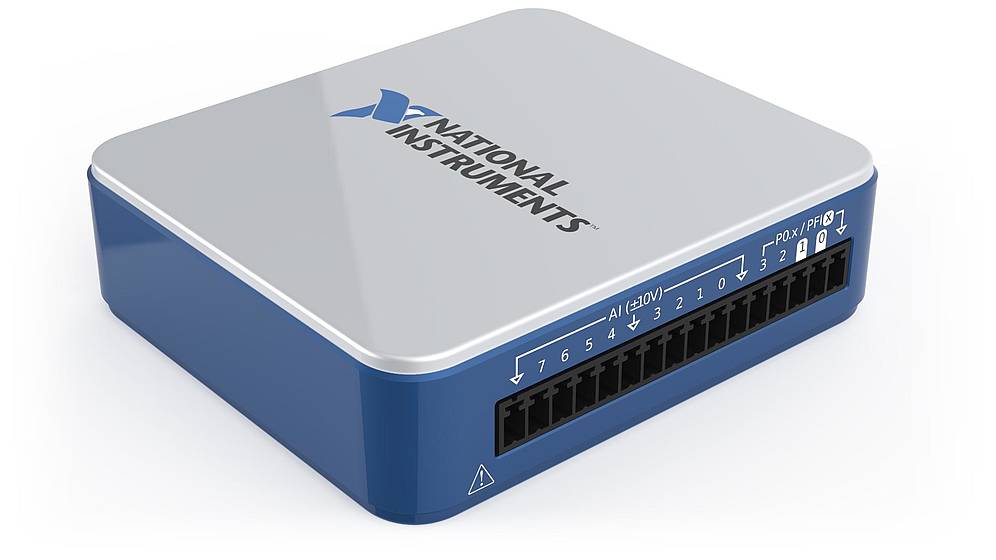
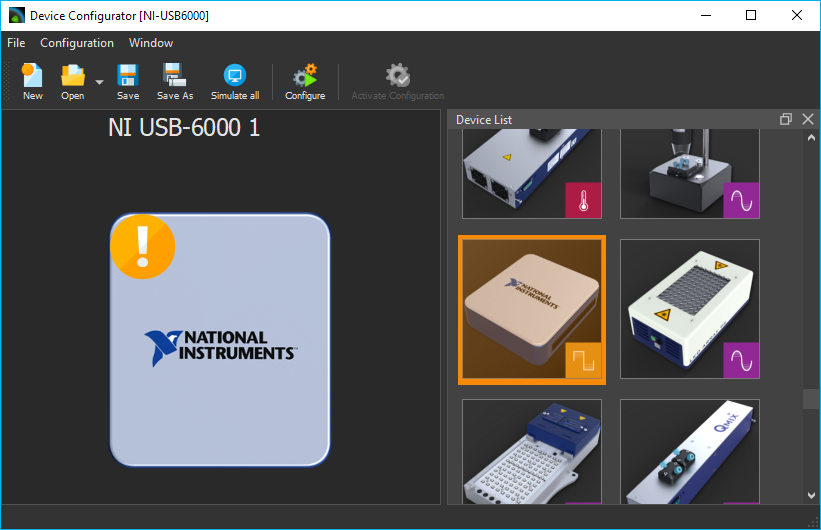
The USB-6002 device is simply connected to the PC via USB and has 8 analog inputs with a resolution of 12 bits. In addition, there are 4 digital inputs and 4 digital outputs available to the user. To use the USB-6002 in the QmixElements software, you only have to configure it like any other CETONI device in the device configurator.
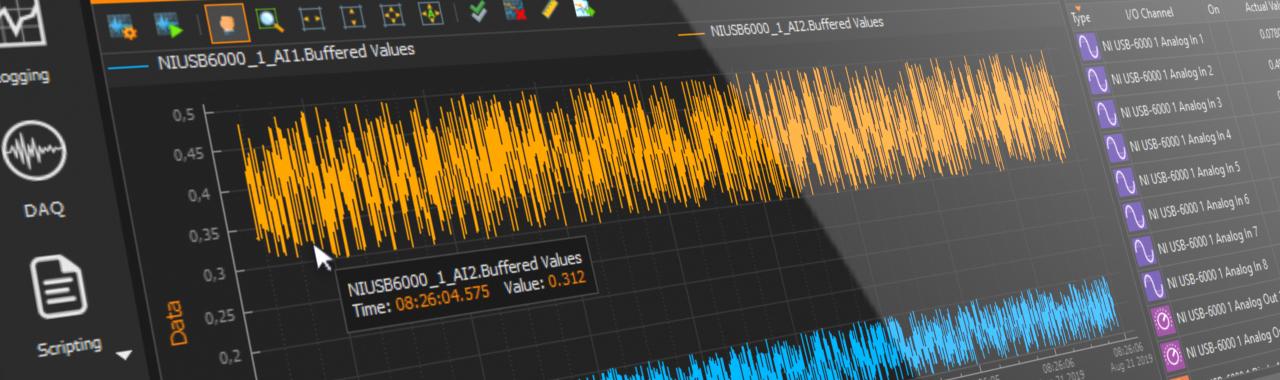
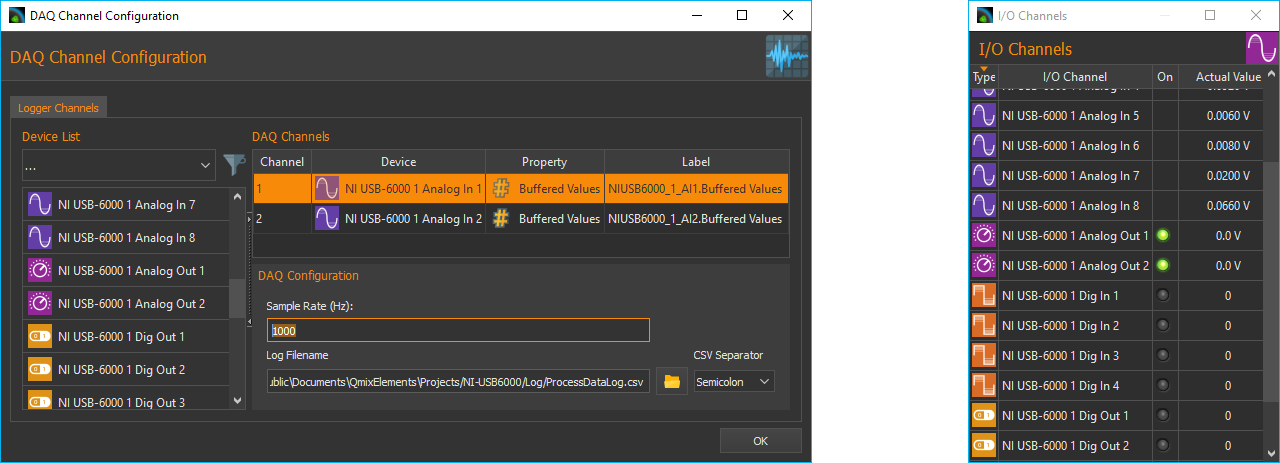
In the software you can then use the configuration window for the new DAQ plot to set which analog and digital channels are to be recorded in the plot and which sample rate is used for recording. All analog and digital channels of the USB-6002 are available in the software as normal I / O channels and can therefore be used, for example, in script programs to trigger functions or to control other devices (e.g. pump flow rate).
As soon as you start recording in the DAQ plot, the measured values of all configured channels are recorded in real time and displayed in the plot. At the same time, the measured values are recorded in a CSV file and can therefore be imported and evaluated by external tools.
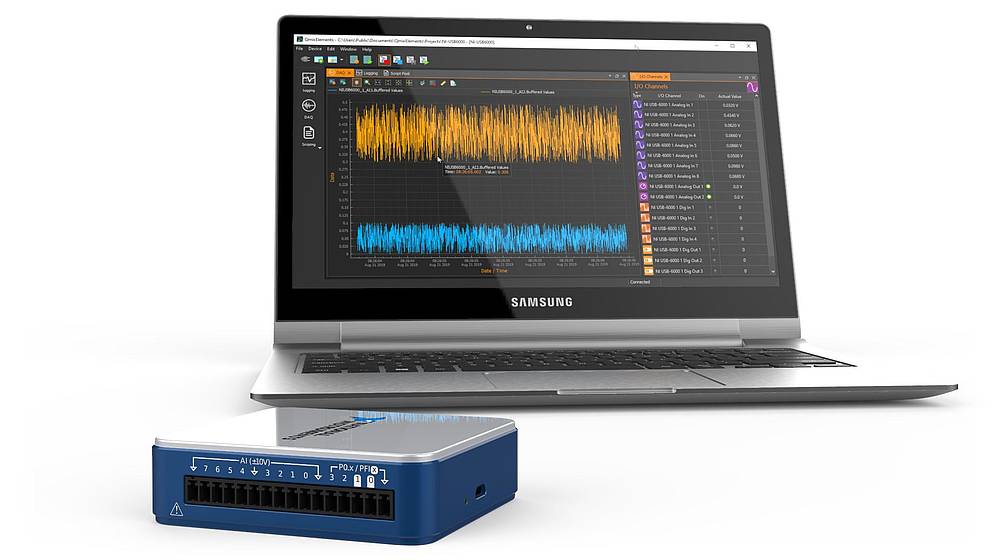
This provides you with a powerful tool for recording measured values with higher sample rates. In addition, the DAQ add-on gives you the option of integrating an existing NI USB-600x device into the software in order to obtain additional I / O channels.